

Do You Have Bulk/Mass/Auto Unfollow and Follow? Can I Mass Unfollow on Twitter with Circleboom?
With Circleboom's powerful Twitter unfollow tool, you can easily manage your Twitter followers in bulk, saving you time and effort. Whether you want to bulk unfollow inactive accounts or non-followers, Circleboom offers efficient solutions.
How to Bulk Unfollow on Twitter with Circleboom
If you’re wondering how to unfollow in bulk on Twitter, below are step-by-step guides on different aspects of Twitter bulk unfollowing:
How to Unfollow All on Twitter with Circleboom
Step 1: Log in to Circleboom and connect your Twitter account.

Step 2: From the left menu, go to Followers / Following Management & Analytics > Following > All Your Following.

Step 3: You'll have all the profiles listed before you. All you need to do is check the boxes near them and click the Unfollow (N selected) button above the list.

How to Unfollow Inactive Twitter Accounts
Repeat the same steps as above. The only difference is that you must choose Inactive Following under Following, as shown below.

Then again, you can mark them and bulk unfollow them with a single click.
How to Unfollow Non-Followers on Twitter
In order to unfollow those who don't follow back on Twitter, you need to select Not Following Back under Following.

The rest is the same as any other bulk unfollow action done on Circleboom.
This way, you'll ensure that you only follow your mutuals and unfollow who unfollowed you on Twitter.
How to Bulk Follow on Twitter with Circleboom
Now that you know how Circleboom can help you with your Twitter mass unfollow efforts, it's time to talk a bit more about making new connections.
Let's see how Circleboom makes mass following on Twitter easy and safe.
Use Live X Account Search to Bulk Follow on Twitter
Circleboom's Live X Account Search lets you search Twitter bios and profiles for specific keywords so that you can find accounts interested in particular topics.
In other words, searching Twitter bios and profiles lets you connect with like-minded people, increasing your chances of getting a follow back so that you can both grow your Twitter audience and increase engagement levels.
Here's a step-by-step explanation of how mass follow for Twitter can be empowered with Live X Account Search.
Step 1: After logging in to Circleboom, find Advanced X Search on the left menu and choose Live X Account Search.

Step 2: Type in your keyword and click on the search button.
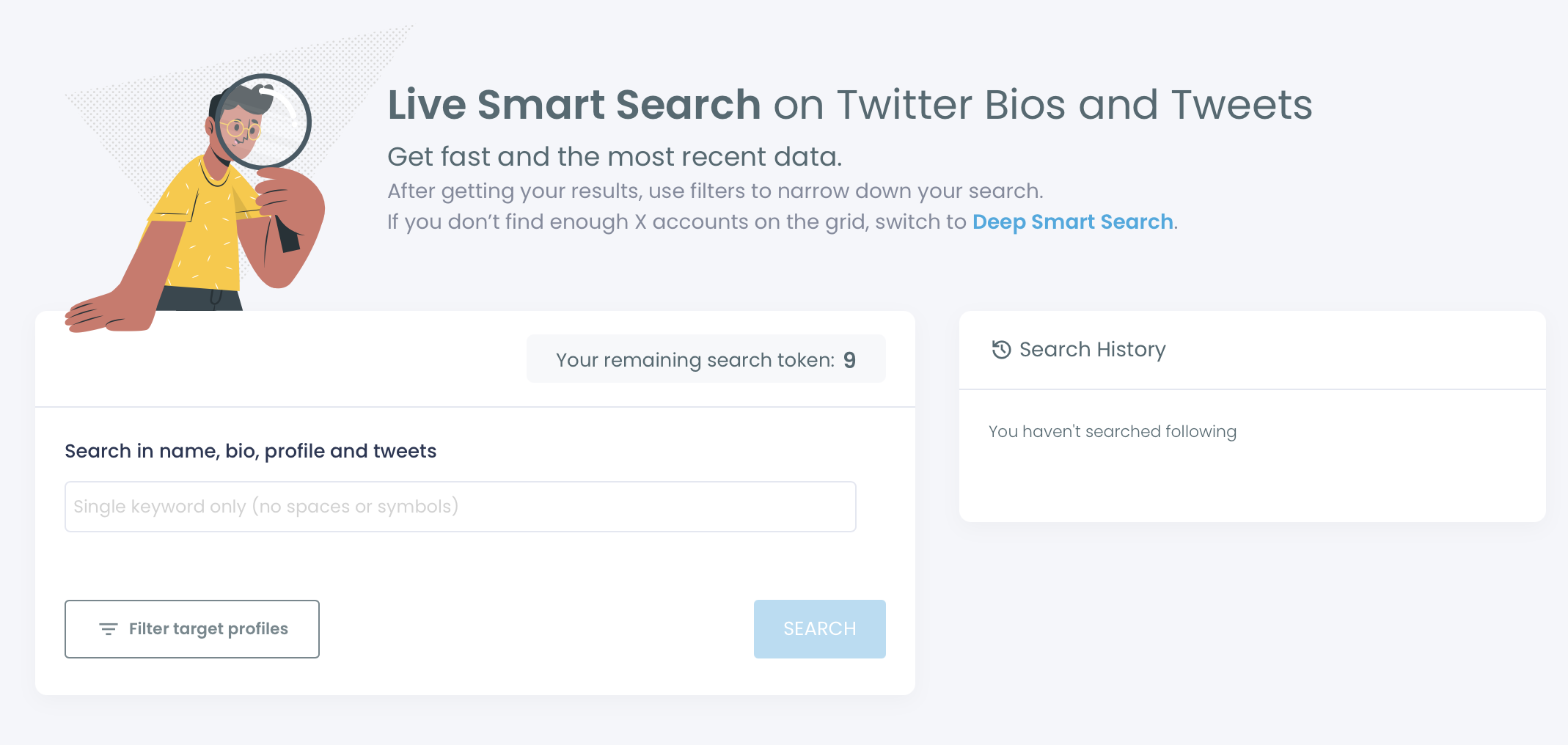
You can also apply advanced search filters for location, follower count, verification status, activity levels, languages, and much more.
Step 3: The accounts will be listed before you. Then, you can check the boxes by each profile and click the Follow (N selected) button above the list.

Use Account Search to Bulk Follow on Twitter
You may also want to target someone's followers or followings during your mass following efforts on Twitter. Good thing that Circleboom lets you search Twitter followers or followings of any public account.
Here's a step-by-step explanation of mass following on Twitter after searching someone's Twitter followers or followings.
Step 1: Again, go to Advanced X Search on the left menu, but this time, choose Followers / Following Search.

Step 2: Type in the handle, pick "Followers" or "Following", and click on the search button. Again, you can apply the filters as you'd like.
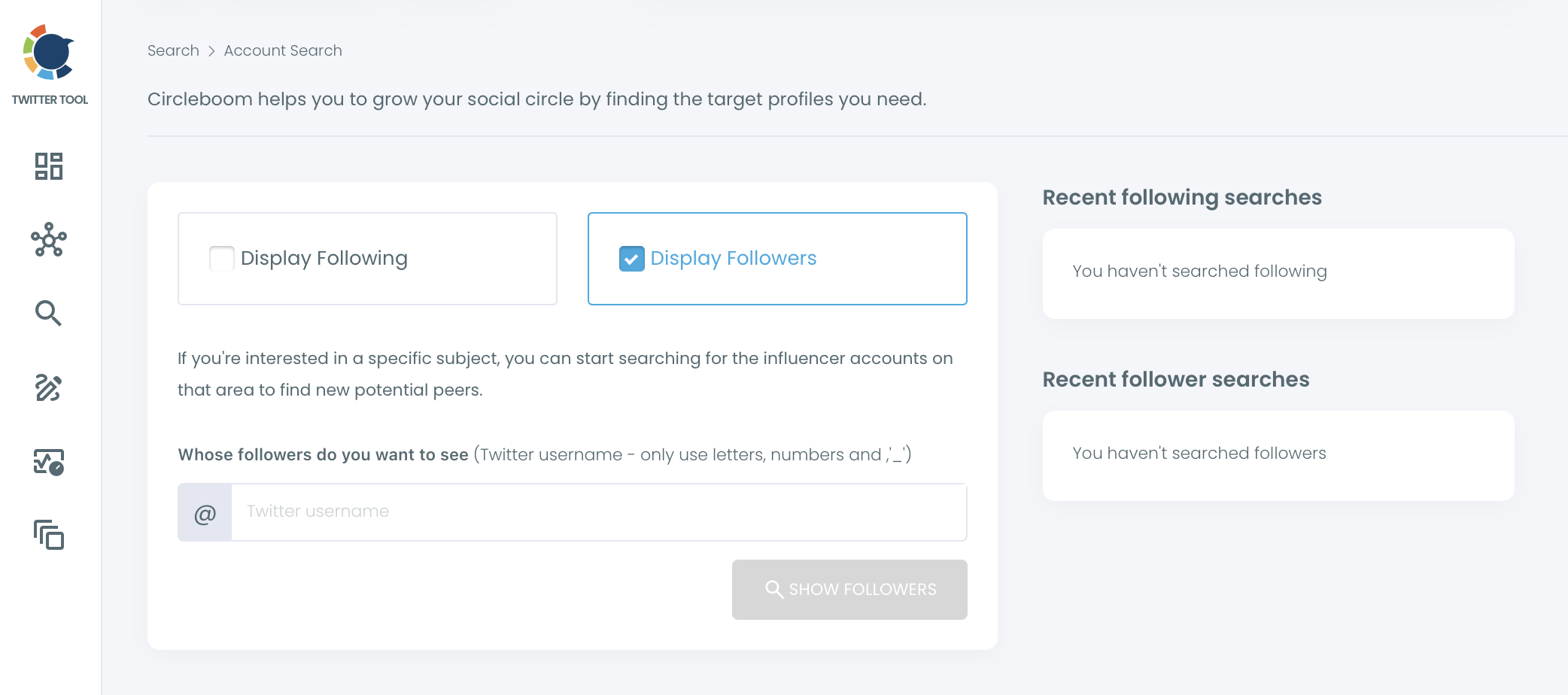
Step 3: The rest is the same once you have the profiles listed. Now, you can simply check who to follow and click the Follow (N selected) button to accomplish mass following on Twitter.

Why Use Circleboom for Mass Follow/Unfollow on Twitter?
Even after all these features, we can hear you say, "There are even browser extensions for mass unfollowing on Twitter. So why should I use Circleboom?"
Here are a few reasons why:
- Circleboom is an Official X Enterprise Developer, so we are indeed committed to keeping your account and data safe and secure, which is something that's not guaranteed by any browser extensions or unverified tools.
- Not only do we help you unfollow those you don't want to follow anymore, but we also provide a lot of supporting functions to find new accounts to connect with while possibly increasing your own follower count.
- Circleboom helps you stay compliant with the platform rules and policies of X, as well as the daily follow/unfollow limits. This will help you avoid becoming shadowbanned, getting a temporary label, or even facing a complete account suspension.
Mass Follow/Unfollow Limits of Circleboom
To help protect your account, Circleboom processes bulk follow and unfollow requests through the official X API at a controlled pace:
| Twitter Mass Follow/ Unfollow Processing Pace per User | |
|---|---|
| Bulk Follow | 50 requests / 15 mins and 400 requests / 24 hours |
| Bulk Unfollow | 50 requests / 15 mins and 800 requests / 24 hours |
When a daily safety limit is reached, Circleboom pauses the remaining queue and automatically continues the next day. You don't need to restart anything.