Whitelisting Twitter Followers
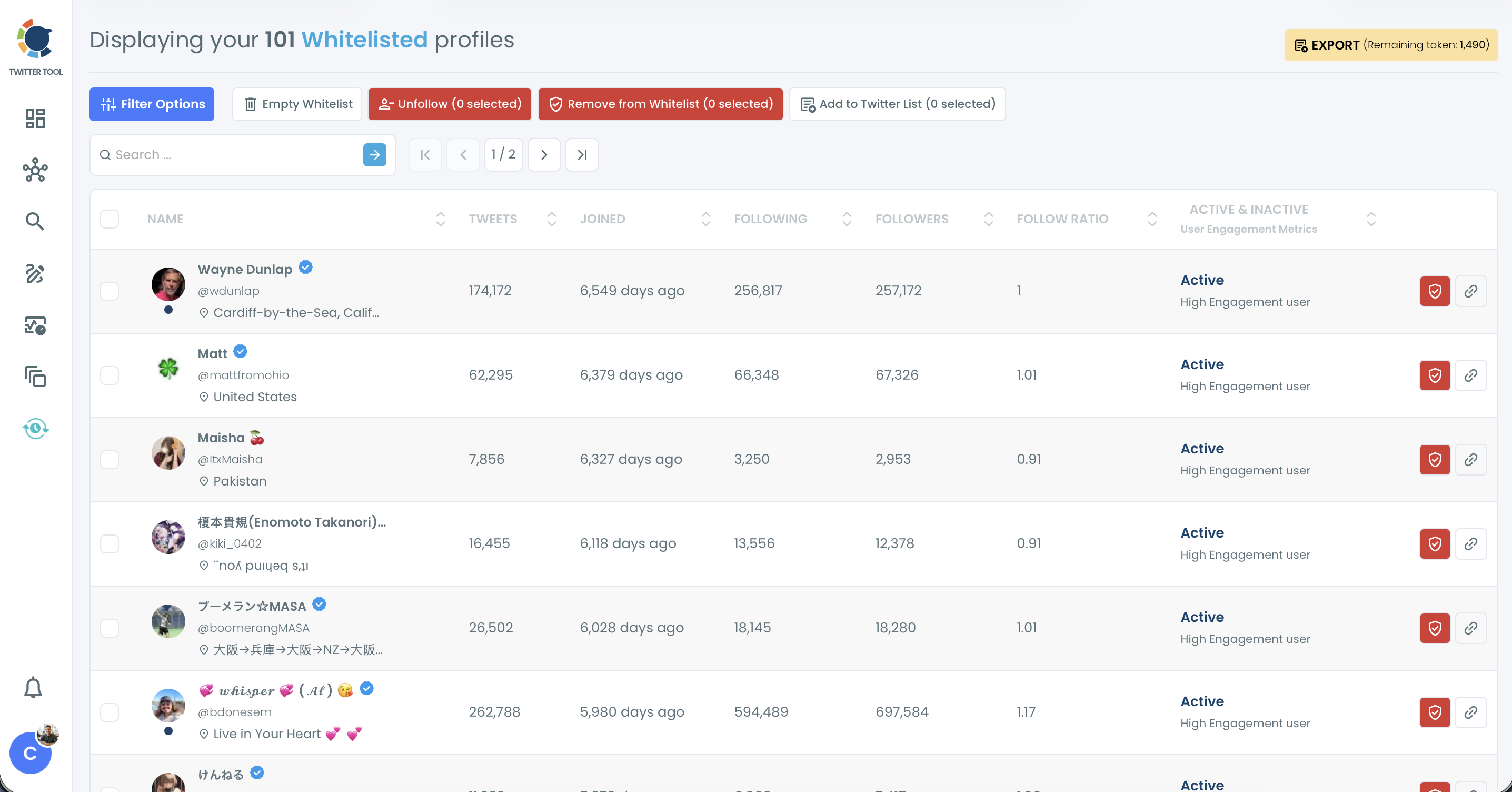
The Whitelist protects selected accounts from all bulk actions in Circleboom, such as bulk unfollow, bulk remove follower and mass block. Whitelisted accounts are excluded from these actions in every Circleboom feature. You can list them anytime with the Whitelisted & Blacklisted filter in Filter Options.
Step 1: Open any follower or following list, for example Followers / Following Management & Analytics > Following > Not Following Back. The shield icon on each row adds that account to your Whitelist individually.
Step 2: If you want to add more than one Twitter account to your whitelist, select them and click Add to List (N selected), then choose Whitelist.
You can see all your whitelisted accounts under Followers / Following Management & Analytics > Whitelist & Blacklist > Whitelist.