

When blocking users with Twitter (X) Mass Blocker, it’s completely normal to encounter failed actions from time to time. These failures may occur due to internet interruptions, account switching, or accidentally closing the page mid-process. Fortunately, Twitter (X) Mass Blocker offers a quick and simple way to re-run these actions without repeating everything manually.
How to Retry Failed Actions on Twitter (X) Mass Blocker
Step #1: Navigate to the "Failed" tab inside the extension.
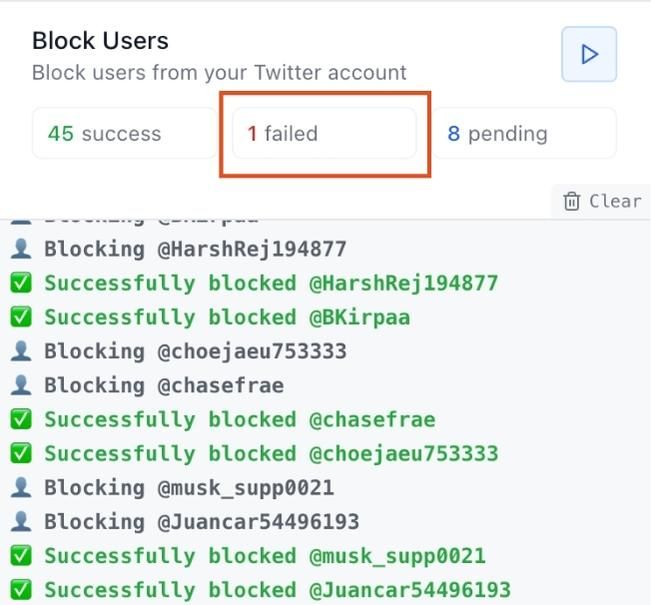
Step #2: Here, you will see all failed block attempts listed. Click the "Start All" button to restart the blocking process for every failed action.
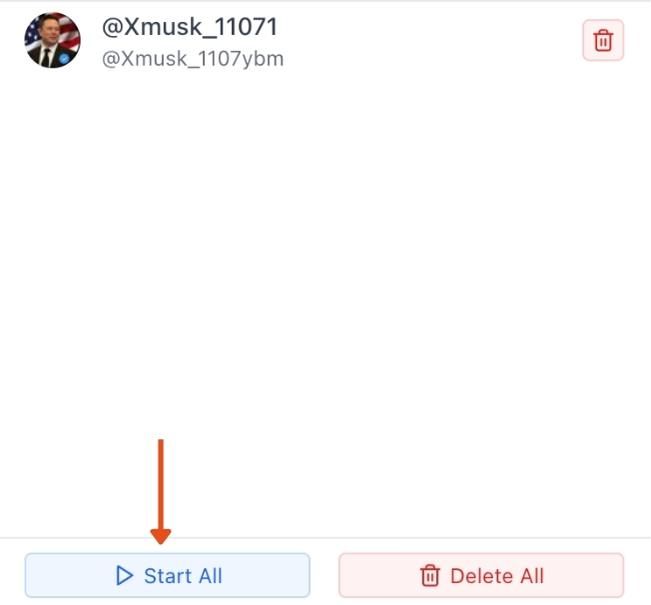
By doing this, you can easily resume blocked actions without losing progress — making it fast and efficient to clear unwanted accounts.
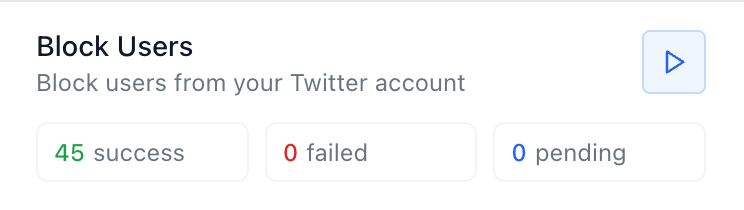
Twitter (X) Mass Blocker ensures a smooth workflow even when interruptions occur, helping you maintain a cleaner and more controlled Twitter environment.