

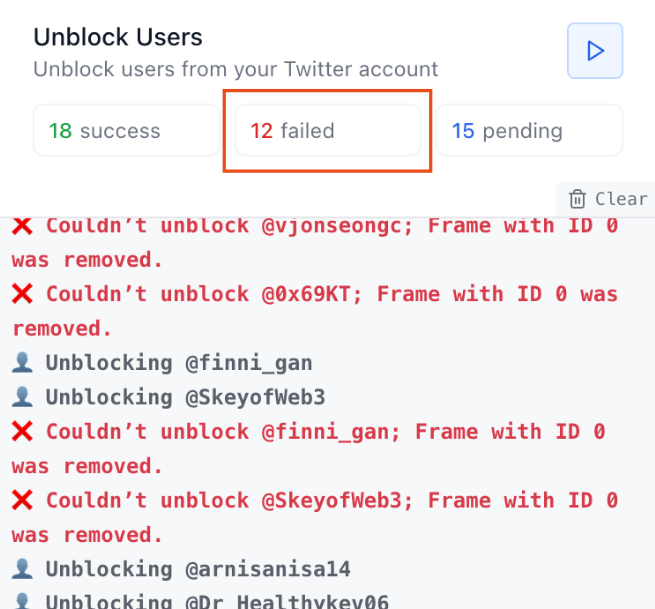
When unblocking users with Mass Unblock Twitter, it’s possible to encounter failed actions. These failures may occur for multiple reasons — unexpected connection drops, changing Twitter accounts, or closing the tab mid-process.
Fortunately, Mass Unblock Twitter provides a smooth way to retry these failed operations and unblock accounts without losing progress.
How to Retry Failed Unblocking Actions on Mass Unblock Twitter
Step #1: Navigate to the "Failed" tab inside the extension.
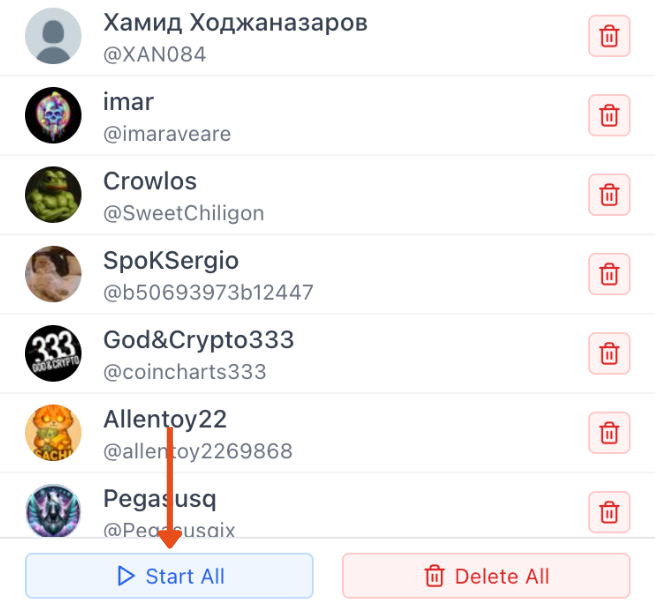
Step #2: You will see a list of all failed unblock attempts. Click "Start All" to automatically retry and complete the unblocking for all users.
Following these steps allows you to quickly recover incomplete actions and restore a clean block/unblock list without manually repeating the process.
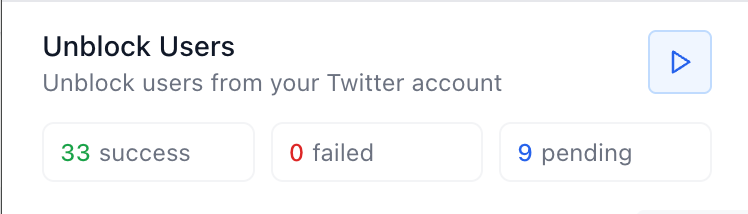
Mass Unblock Twitter ensures a seamless recovery from interruptions and keeps your account clean and unrestricted.