

How to export retweeters using a tweet URL
On X, the list of accounts who retweeted a post is only partly visible and can't be exported. Circleboom is an Official X Enterprise Developer and retrieves retweeters through the official X API.
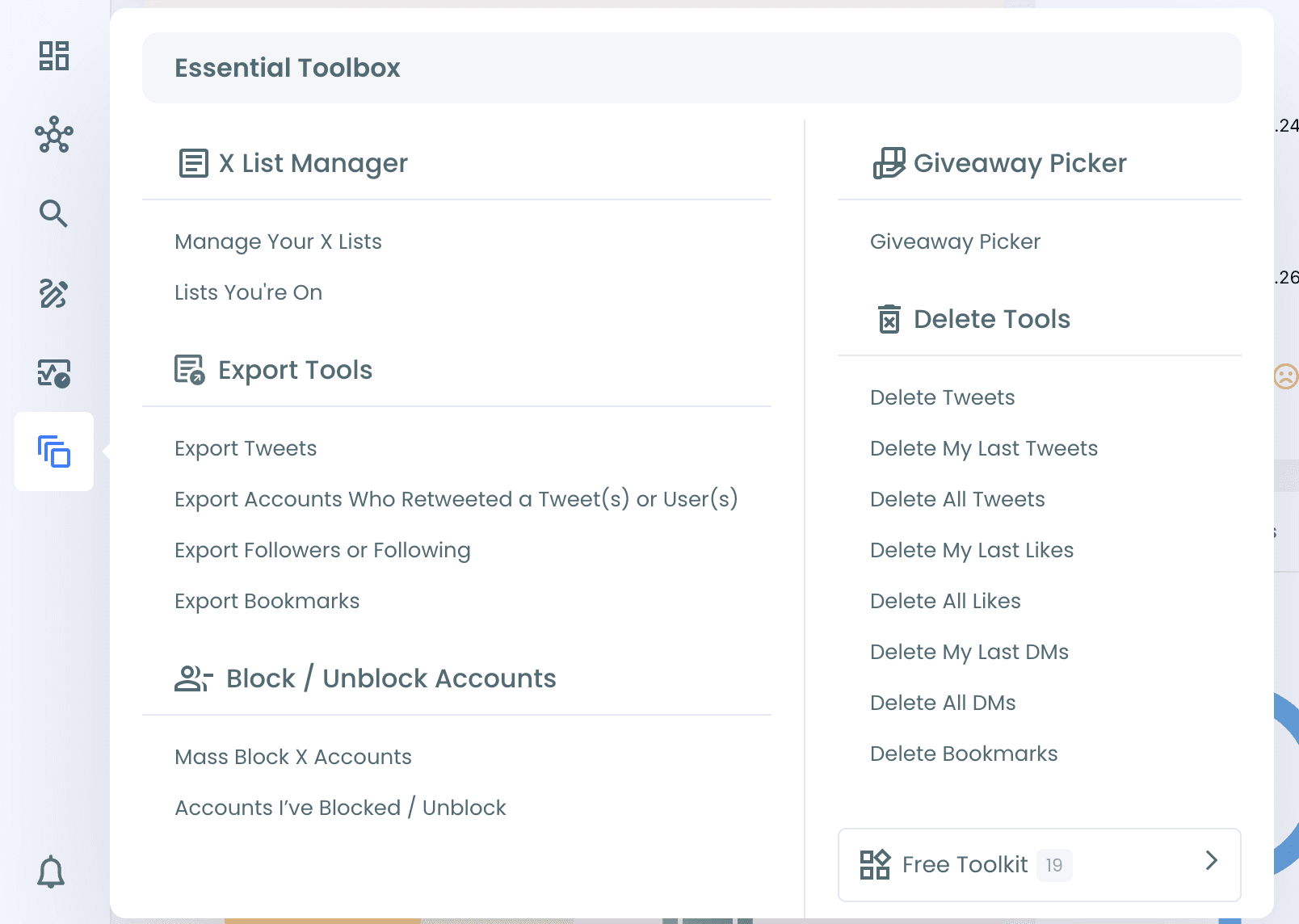
Step #1: Log in to Circleboom Twitter. From the left menu, open Essential Toolbox > Export Tools > Export Accounts Who Retweeted a Tweet(s) or User(s).
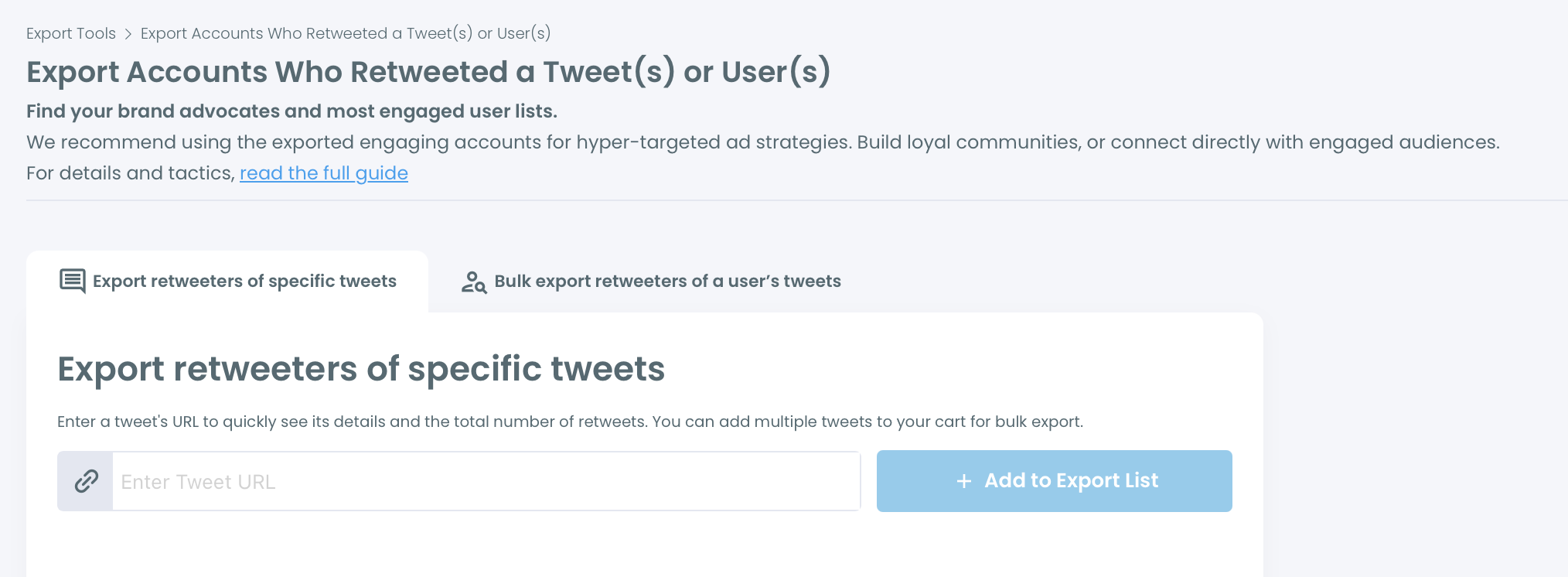
Step #2: Select the Export retweeters of specific tweets tab.
Step #3: Paste the tweet URL and click + Add to Export List. The tweet is added to Your Export Cart with its retweet count. You can add more tweets to the cart.
Step #4: Click Export Retweeters and confirm.
Step #5: Your export is prepared in the background. When it's ready, you can download the CSV file from your Circleboom account, and the download link is also sent to your email address.
If the same account retweeted more than one tweet in your cart, it appears once in the file. The RepostCount column shows how many of the tweets it retweeted.
You can learn more on the Export Retweeters page.