

How to filter retweeters by verification status
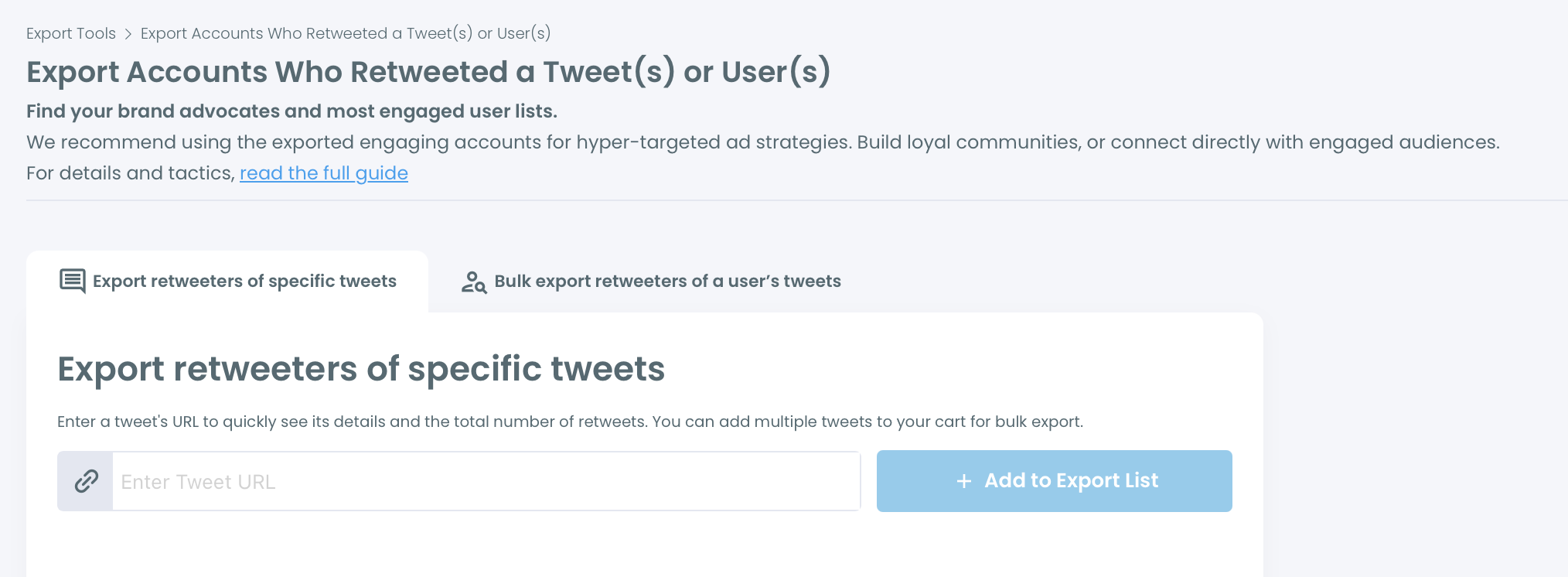
Step #1: Export the retweeters of one or more tweets from Essential Toolbox > Export Tools > Export Accounts Who Retweeted a Tweet(s) or User(s).
Step #2: Open the CSV file in Excel, Google Sheets or any spreadsheet tool.
Step #3: Find the verification columns:
- IsVerified: True or False, whether the account is verified.
- Verified_Type: the verification type of the account.
Step #4: Use your spreadsheet's filter on IsVerified and keep only True. You now have the list of verified accounts that retweeted the tweet.
Other useful columns
The file also includes the profile ID, username, display name, location, tweet count, following count, follower count, account creation date and bio, plus quality flags such as IsFake, IsInactive, IsOveractive and IsEgghead. You can combine these filters, for example to keep only verified and active accounts. RepostCount shows how many of the selected tweets each account retweeted.