

How to install Circleboom Remove Twitter/X Followers Chrome extension?
If you want to remove your Twitter followers quickly and efficiently, the first step is to install the Circleboom Remove Twitter/X Followers extension. This tool allows you to remove fake, bot, inactive, or unwanted followers automatically.
How to Install Circleboom Remove Twitter Followers Extension
Step #1: Open the Circleboom Remove Twitter Followers extension page on Chrome browser.
On the top right of the page, you will see a blue button that says "Add to Chrome."
Click the "Add to Chrome" button.

Step #2: A pop-up window will appear, asking for confirmation. Click "Add Extension".
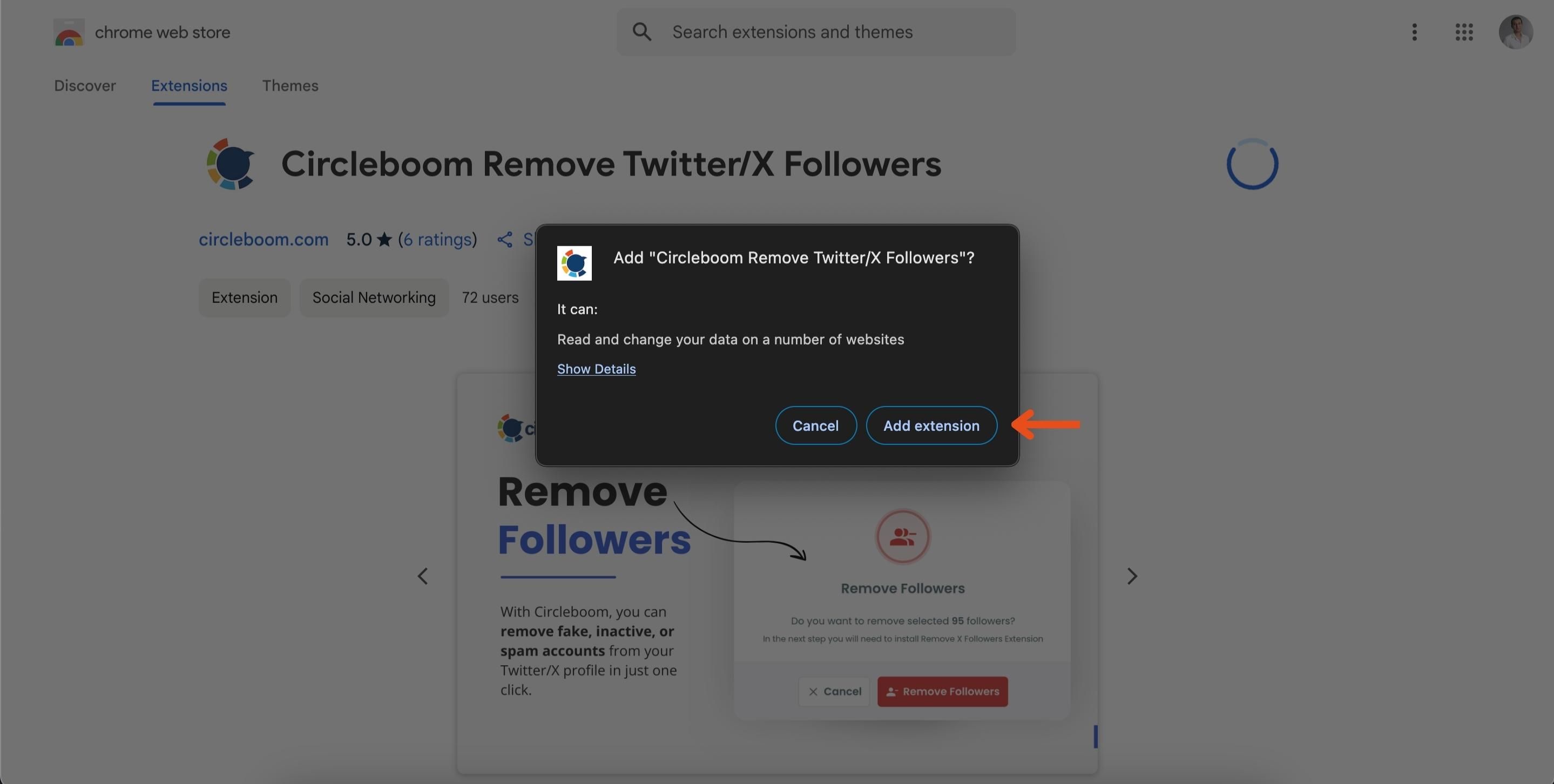
And that's it! You successfully installed the extension.
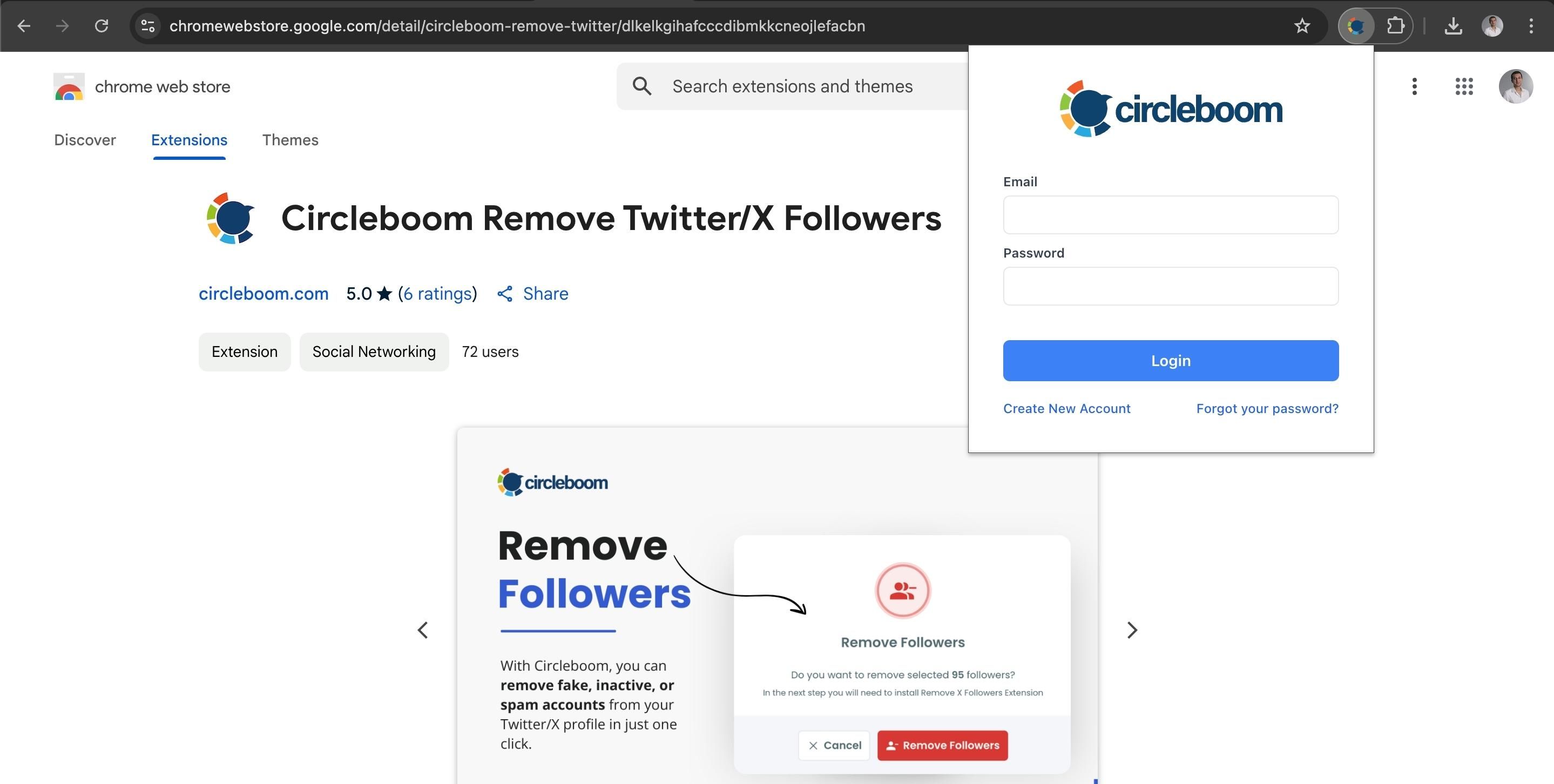
Once installed and logged in, the extension is ready to use.
How to start removing followers
- In Circleboom, open a follower list such as All My Followers or Fake/Bot Followers.
- Select the followers you want to remove and click Remove Follower (N selected).
- The selected followers are loaded into the extension automatically. Open the extension and click Start.
If X's rate limit is reached, the extension pauses for 1 to 20 minutes and then continues automatically. Keep your browser open until the process is finished.
That's it! With just a few clicks, you can efficiently manage your Twitter followers and keep your account organized.