

How to set up new following alerts for any X (Twitter) account
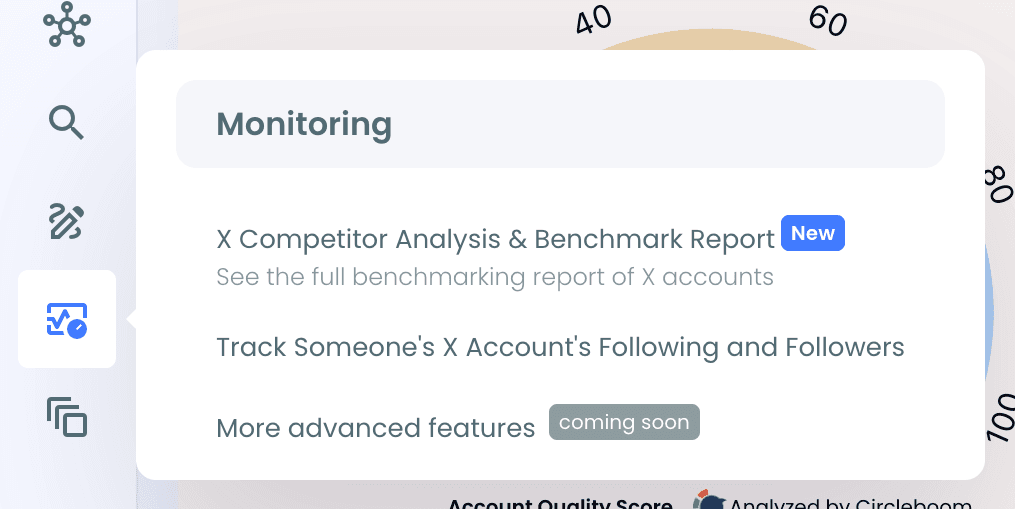
Step #1: Log in to Circleboom Twitter. From the left menu, open Monitoring > Track Someone's X Account's Following and Followers.
Step #2: Enter the username of the public X account you want to track.
Step #3: Choose Following as the tracking option.
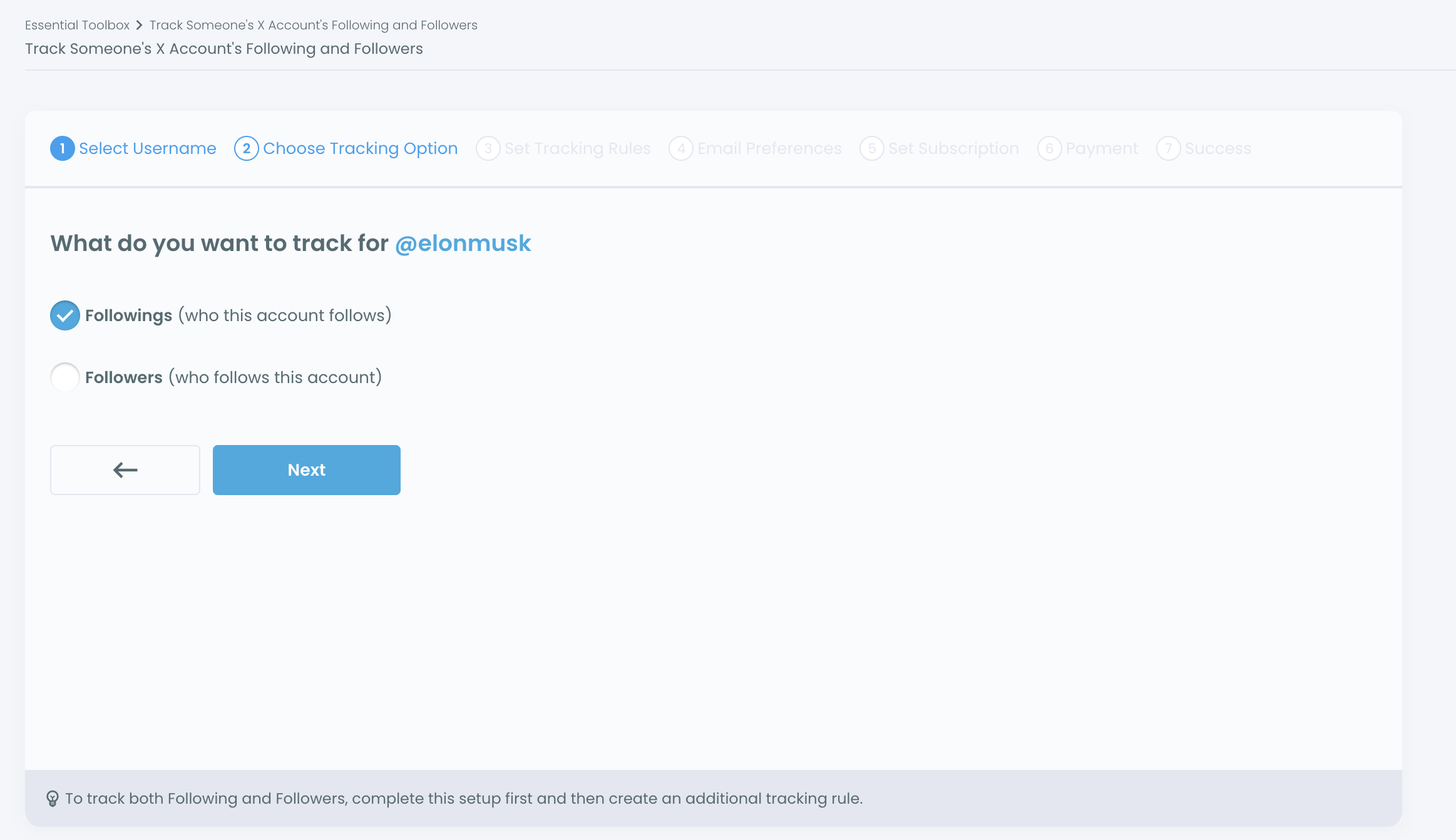
Step #4: Set your tracking rules: Recent Following to see the accounts it newly follows, Recent Unfollowing to see the accounts it unfollows, or both.
Step #5: Choose your email preference:
- Yes, send me email reports, then choose Daily or Weekly.
- Or keep the results in your dashboard only.
If nothing changes during a scheduled update, no email is sent. You only get an email when new activity is found.
Step #6: Review your tracking setup and start tracking.
Where can I see the results?
All your tracked accounts are listed in a table. You can change the email preference and frequency anytime, see the new activity as a chart and a list, and export the results.
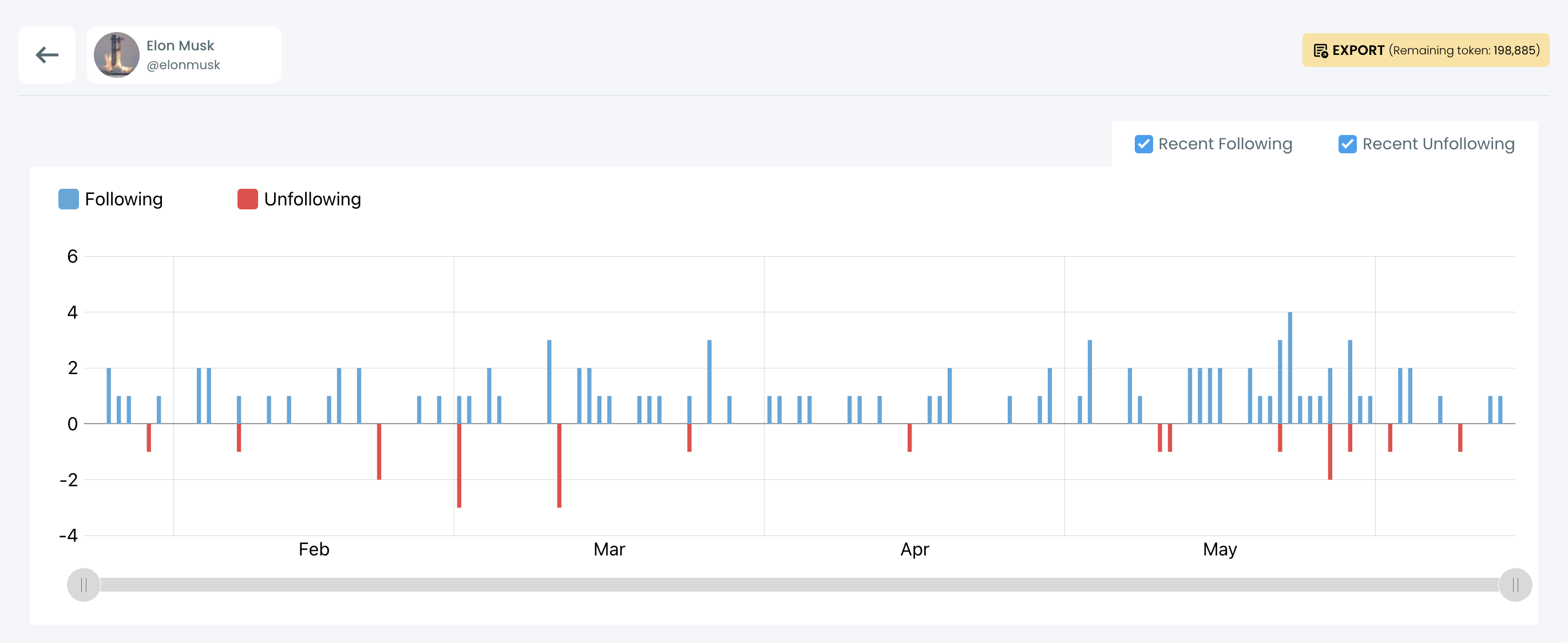
Tracking works with regular snapshots, so new activity appears after each scheduled check, not instantly. Private or protected accounts can't be tracked.
You can learn more on the Track Someone's X Followers and Followings page.