

What format should my Bulk Schedule CSV file be in?
Your file must be a .csv file with these exact column headers:
text, image_url, labels, posting_time.
Open X AI Writer for Creators + Post Analytics > Bulk Schedule. On the upload screen, click Download Sample CSV Template to start from a ready file.
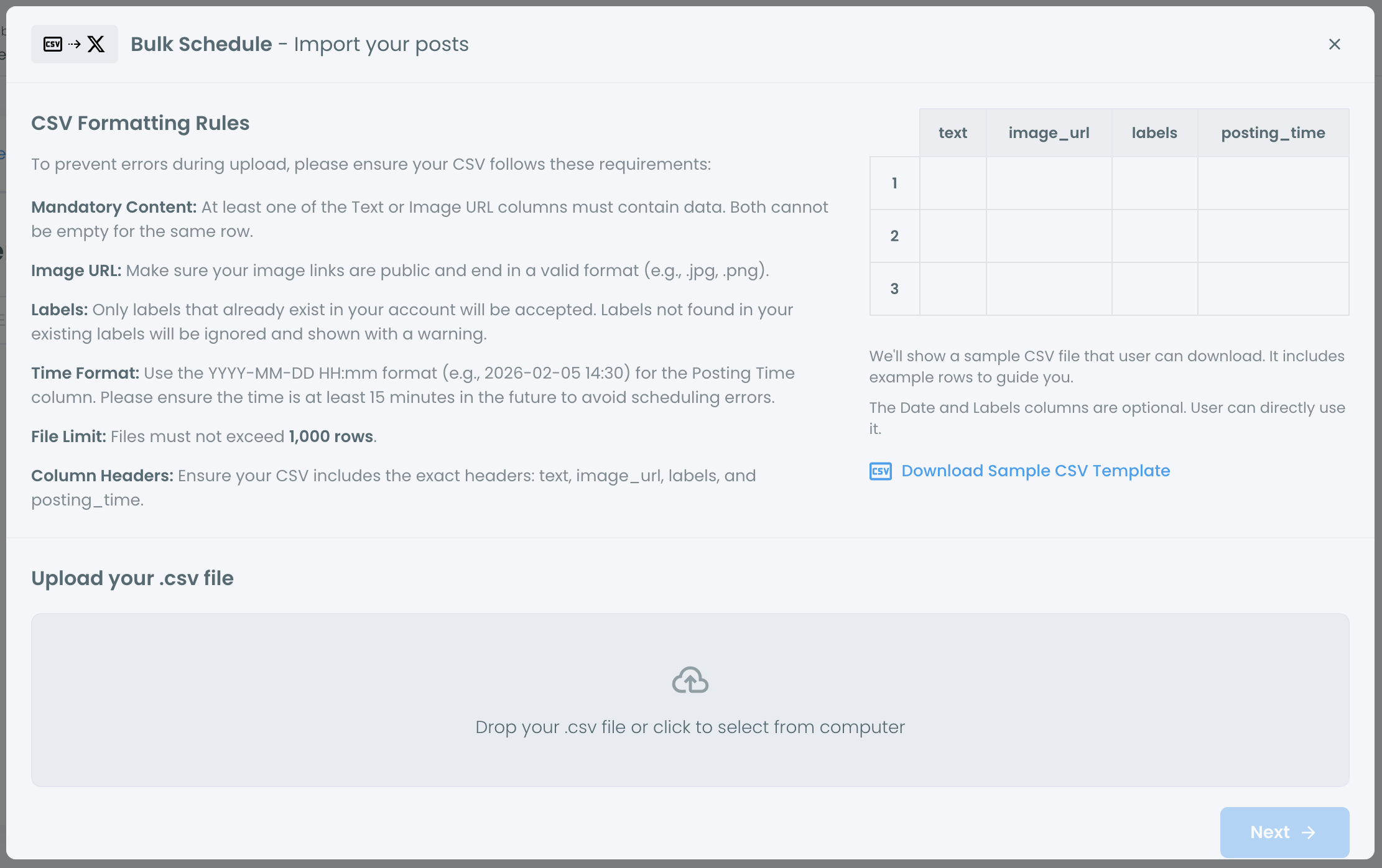
Columns
- text: the tweet text.
- image_url: a public image link that ends in a valid image format such as .jpg or .png.
- labels: comma-separated labels, for example
health, wellness. Only labels that already exist in your account are used. - posting_time: the date and time in
YYYY-MM-DD HH:mmformat, for example2026-03-01 14:00. It must be at least 15 minutes in the future.
Each row needs at least a text or an image_url. Both can't be empty.
Example
"text","image_url","labels","posting_time"
"Your tweet text here","https://example.com/image.jpg","health, wellness","2026-03-01 14:00"
Other rules
- Up to 1,000 rows per file. Split larger files into several uploads.
- Times are scheduled in the time zone set in Account Settings.
- Each tweet must fit the character limit X allows for your account.