

Why were some rows of my Bulk Schedule CSV skipped or rejected?
After you upload your file, Circleboom checks every row and shows how many posts are Valid and how many are Invalid. Only valid posts are scheduled.
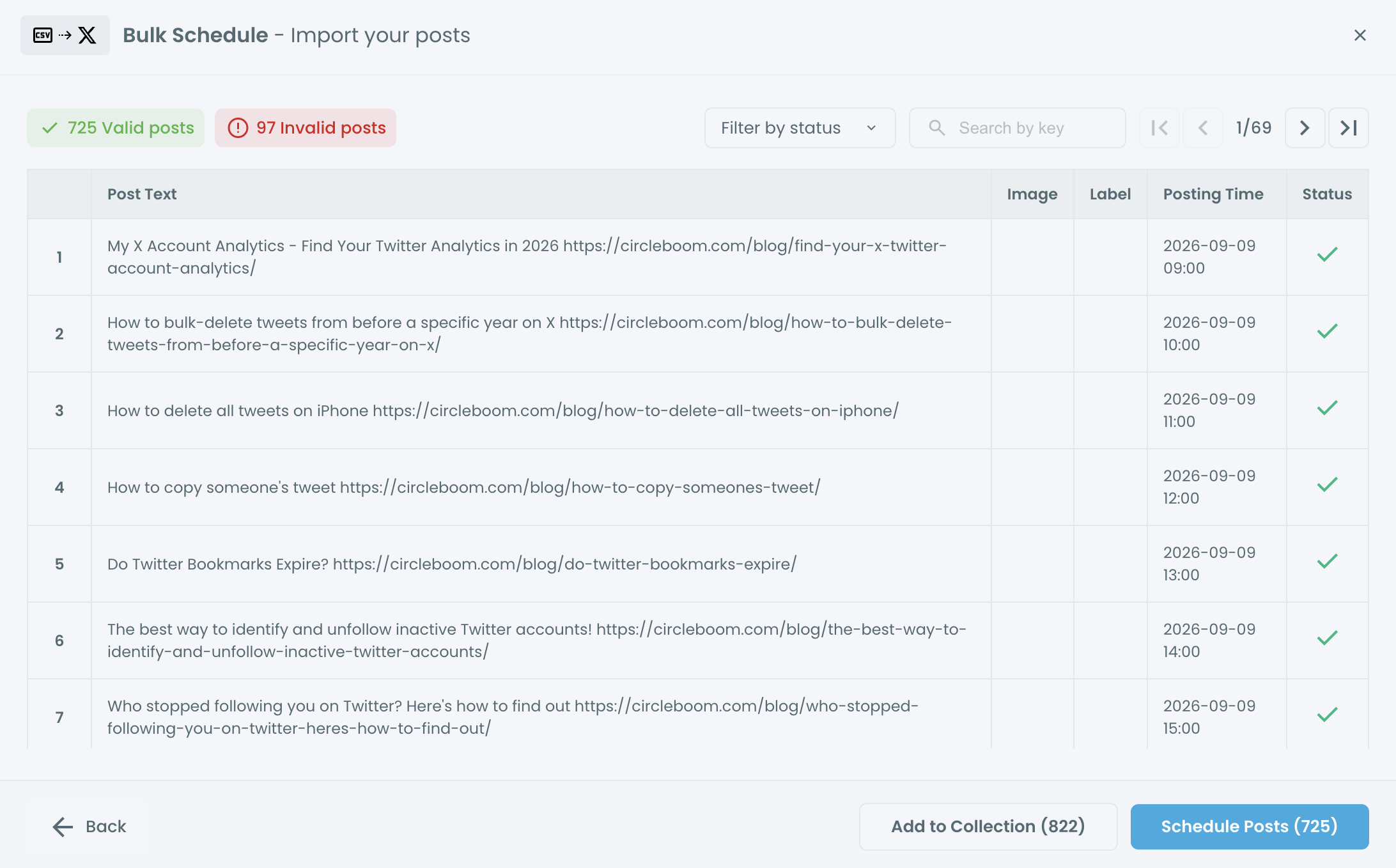
Filter the preview by Invalid to see which rows have a problem. The most common reasons are:
- Both
textandimage_urlare empty in the row. - Wrong time format. Use exactly
YYYY-MM-DD HH:mm, for example2026-03-01 14:00. - The time is too close or in the past. Posting times must be at least 15 minutes in the future.
- The image link doesn't work. The image URL must be public and end in a valid image format. Links that need a login or redirect don't work.
- The tweet is too long for the character limit X allows for your account.
- Column headers don't match. The file must have the headers
text,image_url,labels,posting_time. - The file has more than 1,000 rows. Split it into several files.
Labels that don't exist in your account are ignored and shown with a warning; the row itself can still be valid.
How do I fix it?
Click ← Back, correct the file and upload it again. When the preview looks right, click Schedule Posts (N), or Add to Collection (N) if you want to edit the posts later. Then check your posts in Outbox.