

Exact Phrase Match in Live X Account Search
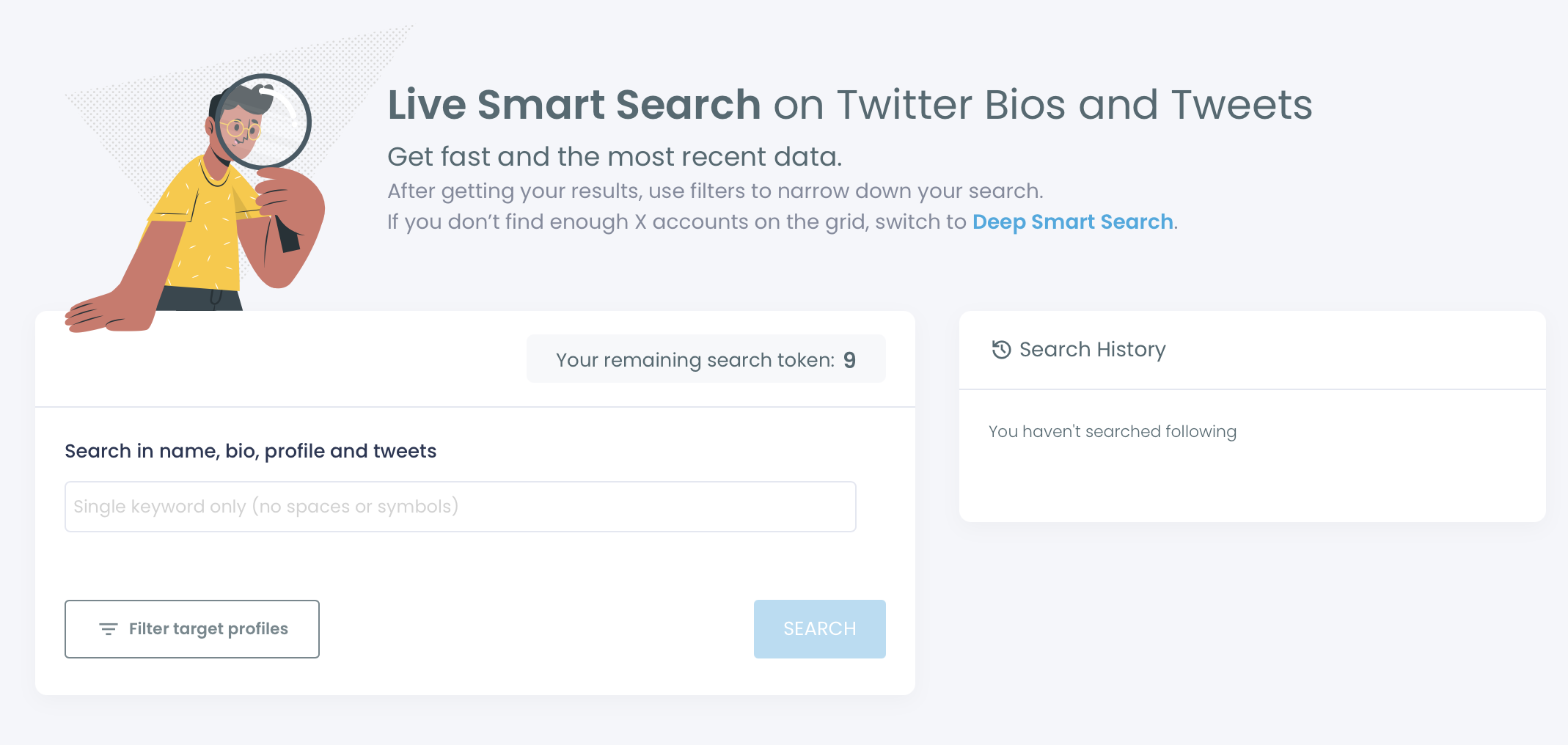
Circleboom's Live X Account Search and Deep X Account Search use sophisticated algorithms to find keywords in users' profiles and the latest Tweet data to produce the most accurate results.
Keyword Search
1. When 2 keywords are used, we search these keywords by adding "and" operator between them.
Example:
Search: California fire
Becomes: California and fire
Result: Keeping California Informed With Active Fire Updates. #wildfires #california #news
2. When quotes in use, we search the keywords together.
Example:
Search: "California fire"
Result: "California Fire News™ - Public Safety Info ☞ Real scoop when you need it! ★ NOT OFFICIAL ALERTS #CAFire #NeverForget"
3. When "not" operator used, we search one of the keywords and strictly eliminate the results, including the keyword after the "not" operator
Example:
Search: California and not fire\
Result: "California Half Marathons | #Halfmarathons in #California | California Half Marathons on Facebook"
and, and not, or, or not”. You can use them without using quotes as in example 3 above.
Location Search
The same "logical operators" rule works for the location field also. You would search for something like California or Chicago to find profiles in "California" or in "Chicago".