

What's the difference between Whitelist and Blacklist?
Whitelist protects accounts you want to keep. Blacklist marks accounts you don't want.
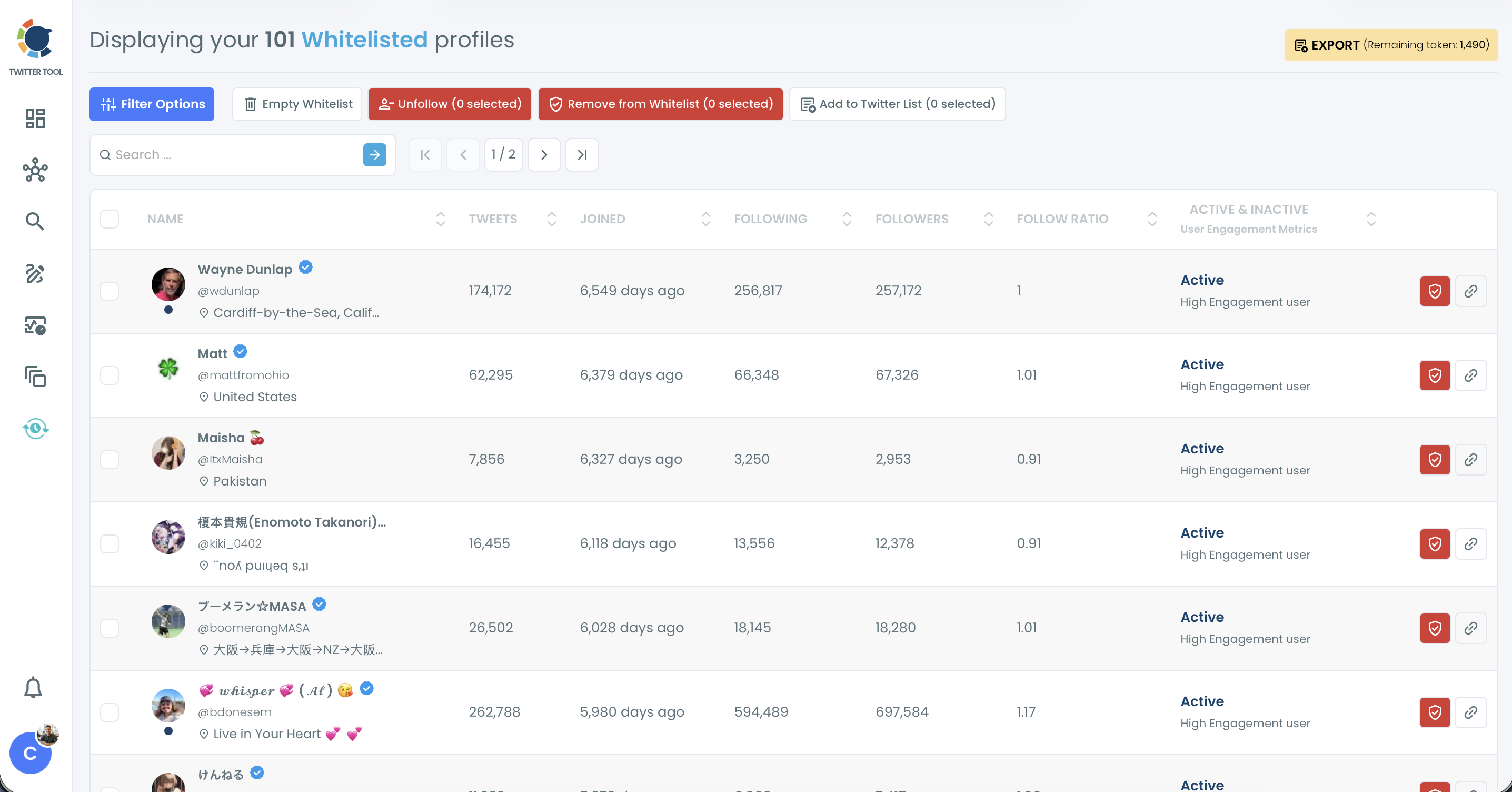
Whitelist
- Protects accounts from bulk actions such as bulk unfollow, bulk remove follower and mass block.
- It protects only from bulk actions. If you unfollow or remove a whitelisted account one by one from its row, the action still runs.
- Empty Whitelist removes all accounts at once and can't be undone.
Blacklist
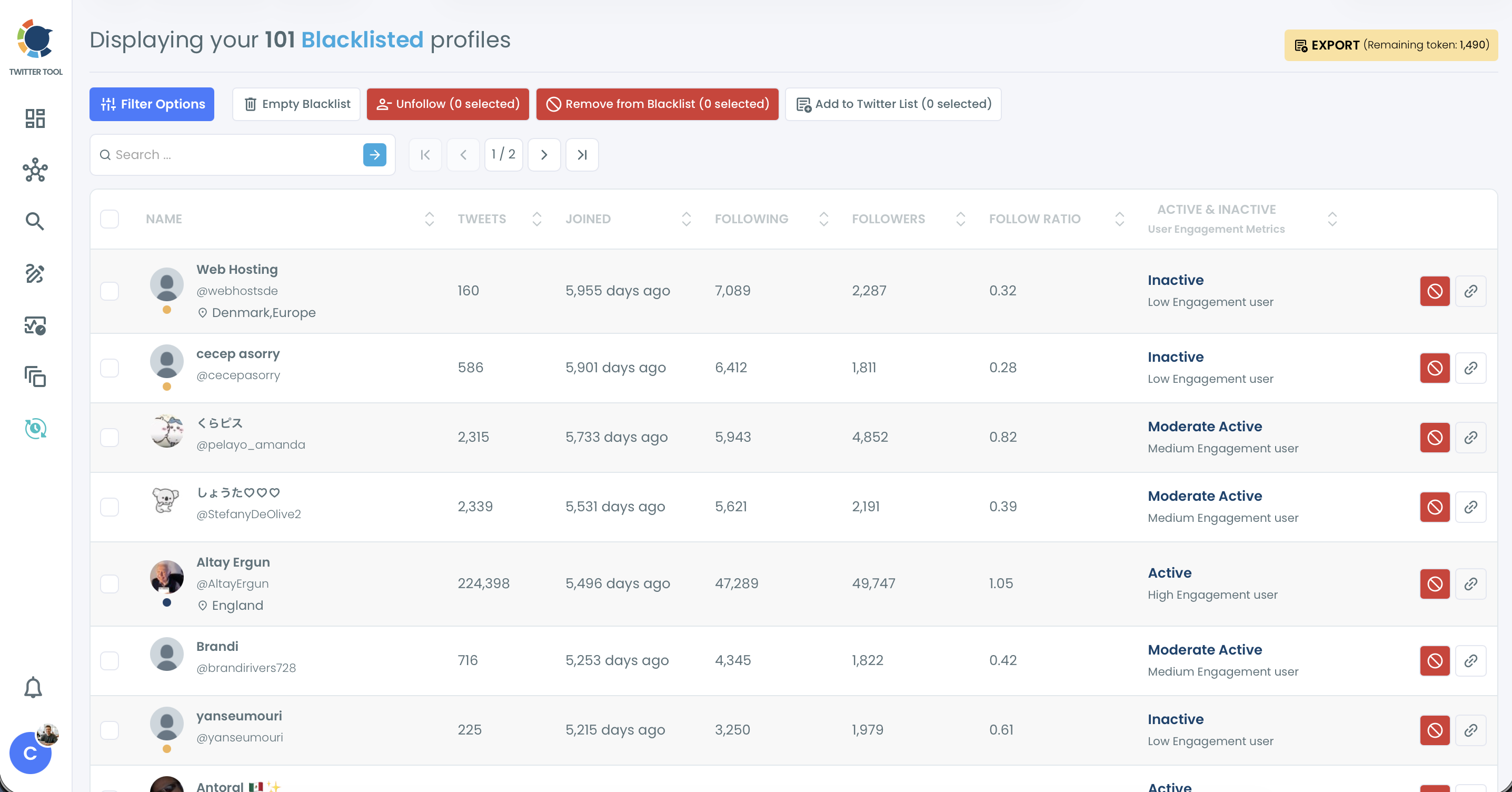
- Marks unwanted accounts, such as spam or accounts you never want to follow.
- Blacklisted accounts are hidden from your lists, so you don't follow them by accident.
- You can add blacklisted accounts to your Mass Block List if you want to block them.
Where are they?
Both are under Followers / Following Management & Analytics > Whitelist & Blacklist. Use the Whitelisted & Blacklisted filter in Filter Options to show or hide them on any list. Both labels exist only in Circleboom; they don't change anything on X and don't notify anyone.