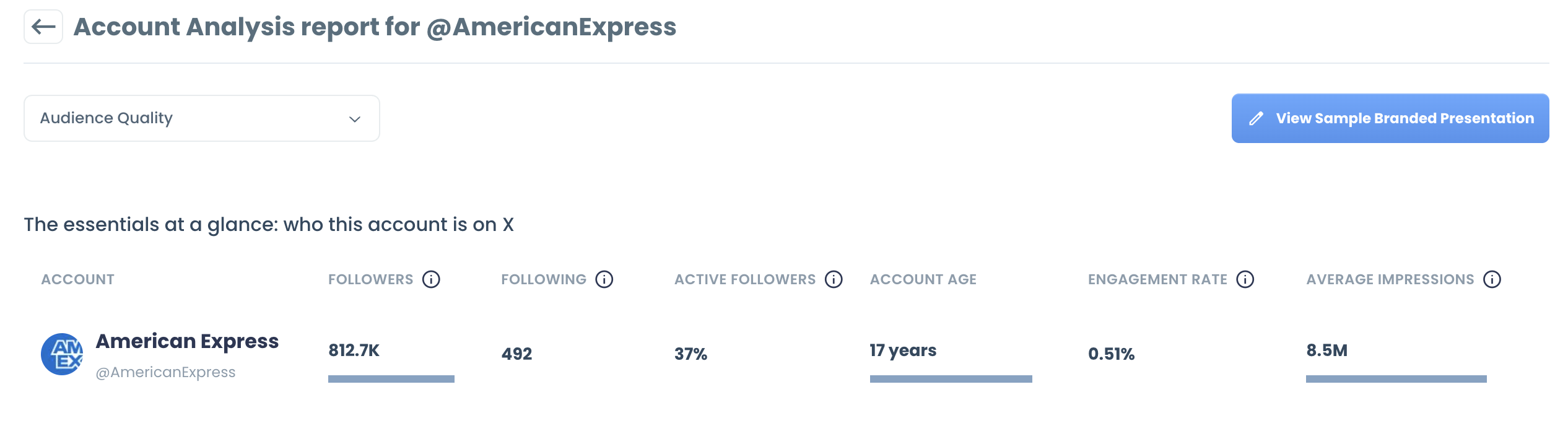
How to create an X Account Analysis report
Every number in the report is calculated from official X API data. Circleboom is an Official X Enterprise Developer, so the report is built on real X records, not scraped data.
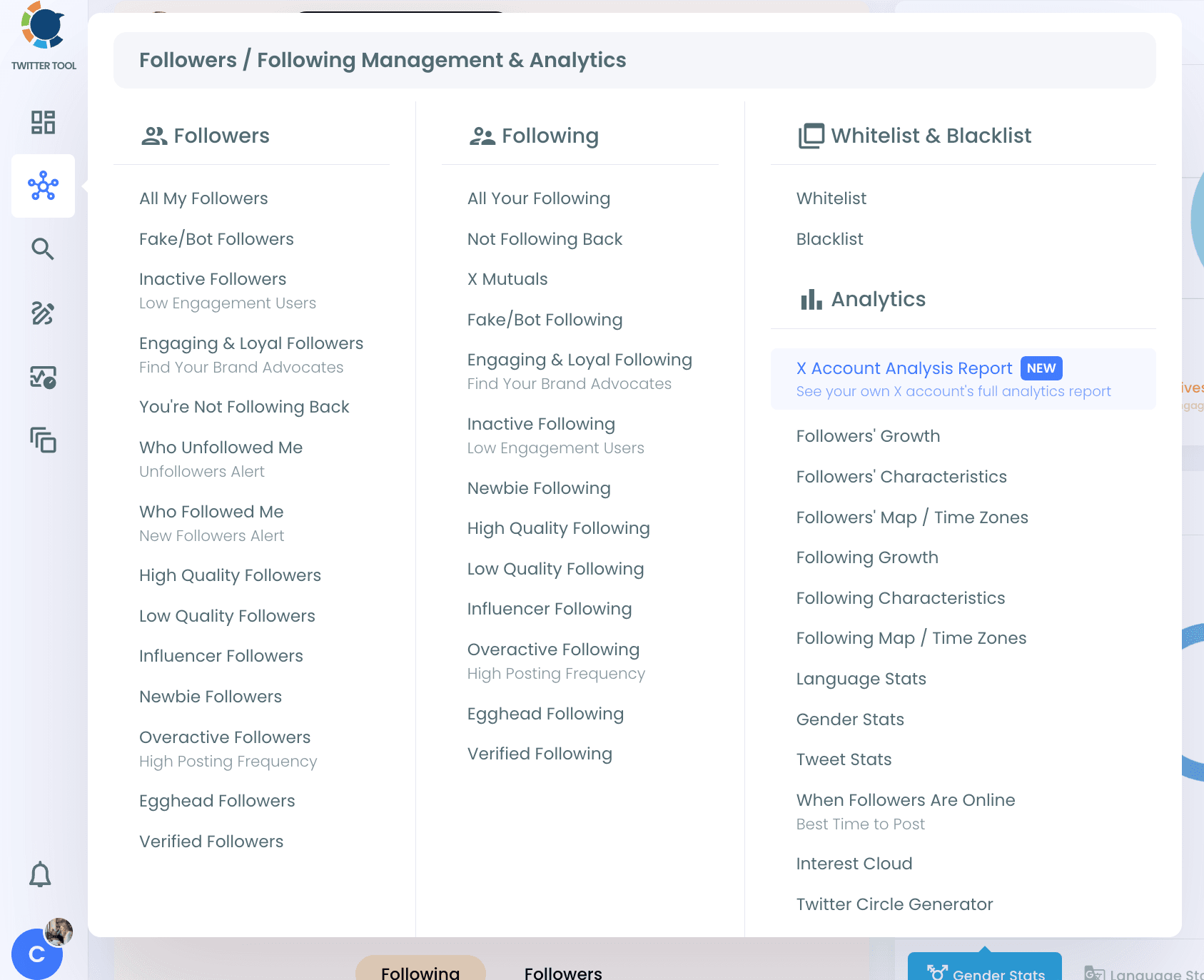
Step #1: Log in to Circleboom Twitter. From the left menu, open Followers / Following Management & Analytics > Analytics > X Account Analysis Report.
Step #2: The page opens with your own X account. To analyze a different X account, click Switch accounts and choose the account you want to analyze. This only changes the account in the report; your connected account stays the same.
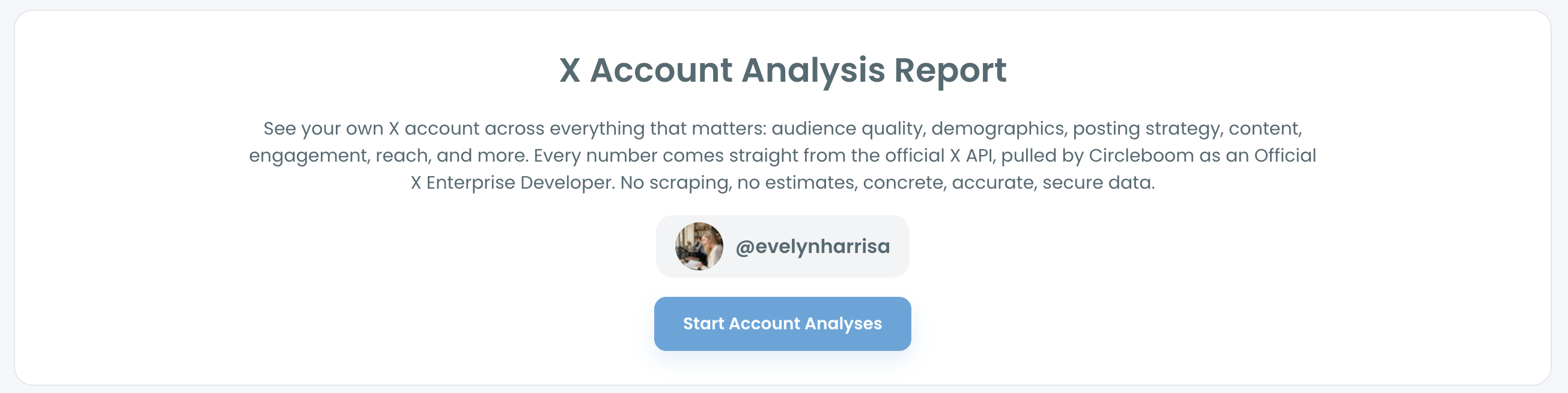
Step #3: Click Start Account Analyses.
Step #4: Choose how often you want the report:
- Just this once: one analysis with today's data.
- Keep it up to date every month: today's analysis plus a new analysis every month, automatically, on the day of the month you choose. This option is selected by default.
Step #5: Circleboom pulls your followers, following and recent tweets and prepares the report. Click View report to open it.