

How do I create a branded presentation from a competitor report?
With Create Branded Presentation, you can turn your competitor report into a presentation with your own logo.
Step #1: Open Monitoring > X Competitor Analysis & Benchmark Report and click View report on the report you want to share.
Step #2: Click Create Branded Presentation. Circleboom builds a brandable presentation from the current report.
Step #3: Use it in client reviews, executive reports, pitch decks, campaign comparisons or monthly benchmark meetings.
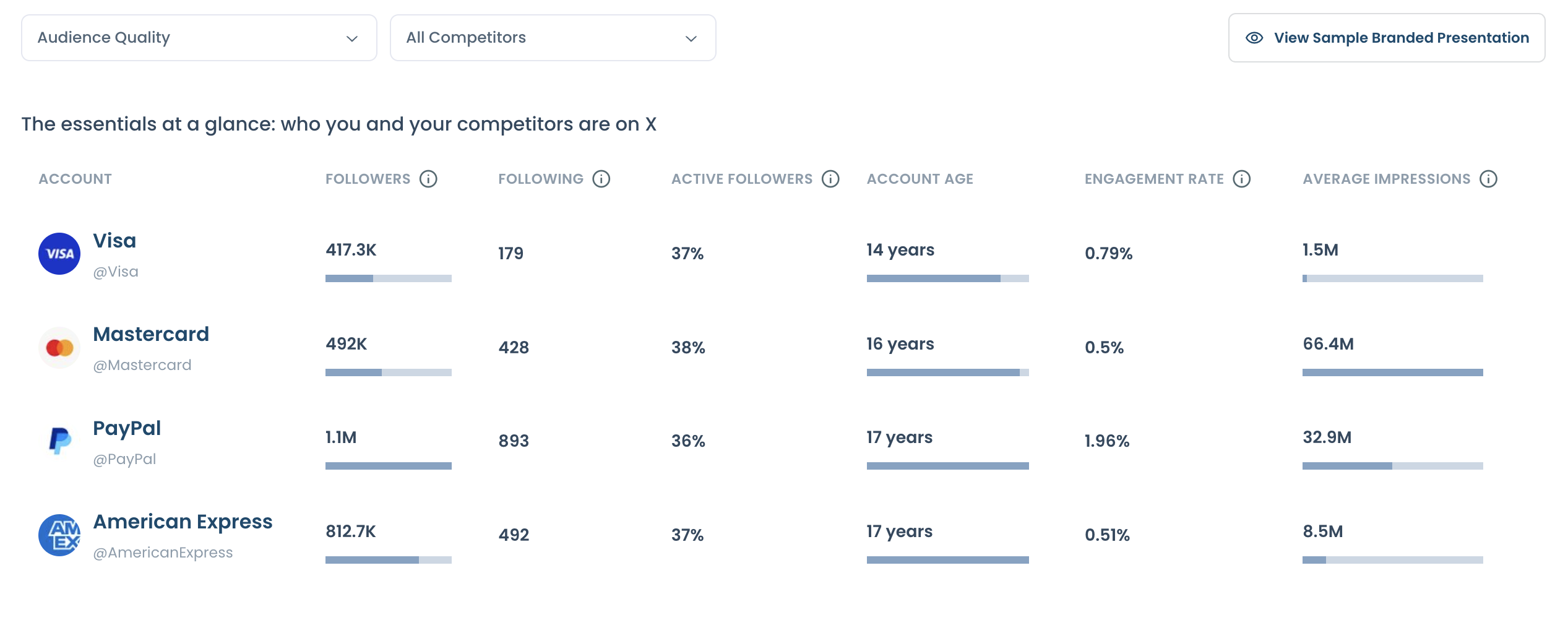
Want to see an example first? Click View Sample Branded Presentation at the top of the report, or check the sample report.
Tip: Keep the account set and report dates visible in your presentation, and connect each finding to a decision. For example, show the audience active times and posting alignment when you suggest a new posting time.