

How do I see common followers between two competitors?
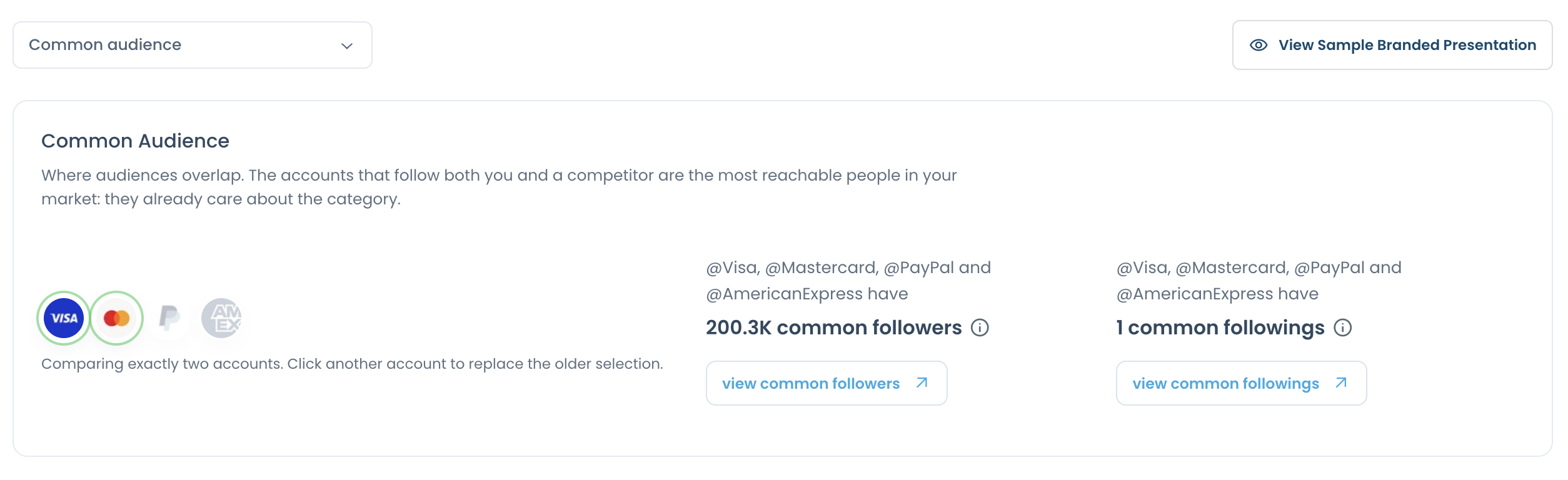
The Common Audience section of your competitor report shows how many followers and followings two accounts share.
Step #1: Open Monitoring > X Competitor Analysis & Benchmark Report and click View report on a saved report.
Step #2: Go to the Common Audience section.
Step #3: Pick the two accounts you want to compare. You will see how many followers and how many followings they have in common.
Step #4: Click view common followers or view common followings to see the accounts.
The accounts are not in a report?
To compare two accounts that are not part of a competitor report, you can use the Compare X (Twitter) Accounts tool.