

X Account Analysis or X Competitor Analysis: which one should I use?
Analyzing one account? Use X Account Analysis, whether it's your own account or another account.
Analyzing and comparing several accounts at once? Use X Competitor Analysis.
Analyzing and comparing several accounts at once? Use X Competitor Analysis.
Use X Account Analysis for one account
- You want a full report on a single account, your own or another account.
- You want to follow how that account changes over time with dated monthly reports.
- Menu: Followers / Following Management & Analytics > Analytics > X Account Analysis Report.

How to create an X Account Analysis report
Use X Competitor Analysis for several accounts
- You want to analyze up to 5 accounts at the same time and compare them side by side.
- Every account appears in the same sections, so you can see who leads on audience quality, posting, engagement and impressions, plus the Common Audience between two accounts.
- Menu: Monitoring > X Competitor Analysis & Benchmark Report.
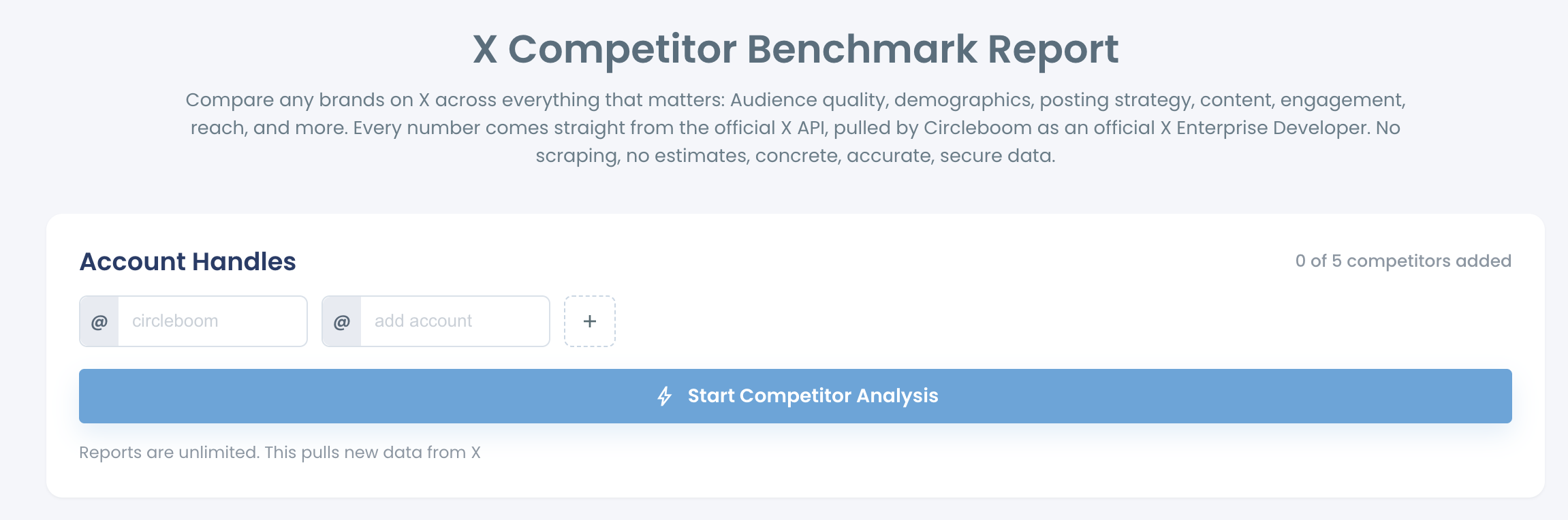
How to create an X Competitor Analysis & Benchmark Report
Both reports use the same 9 sections and are calculated from official X API data.